PUBG Mobile FLASH vs Lite: Why Progress Won't Transfer
PUBG Mobile FLASH uses your existing PUBG Mobile account with friends and items synced, but old Lite ran a separate, discontinued account system - so none of your Lite rank or items can move to FLASH.
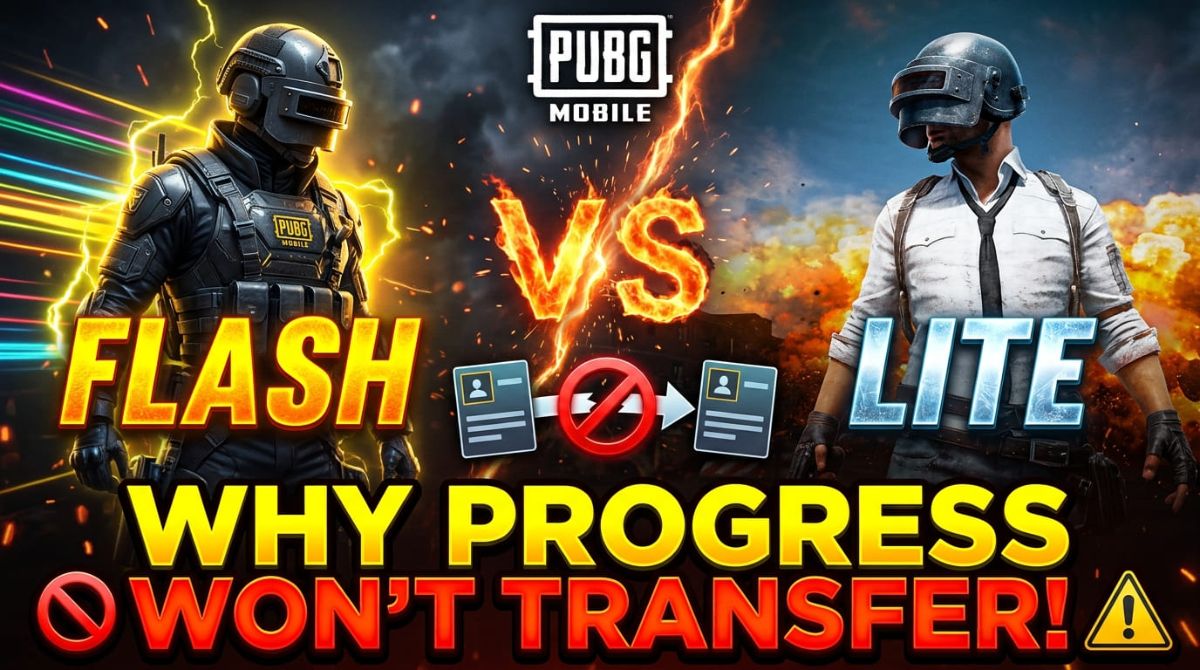
Quick Answer: PUBG Mobile FLASH (launched November 13, 2026) uses your existing PUBG Mobile account with everything synced, but the old PUBG Mobile Lite was a separate standalone game with its own account system — so no Lite progress, rank, or items can move to FLASH.
By the TechGamer App Review Team · Published November 13, 2026
What PUBG Mobile FLASH Actually Is
PUBG MOBILE FLASH is the official lightweight app in the PUBG Mobile ecosystem. It went live for free on iOS and Android on November 13, 2026, one day after the main game's Version 4.7 update.
The launcher is small because most content is on demand. Erangel and Classic Battle Royale come pre-installed, while other maps, modes, and high-quality graphics download only when you choose them. The initial download is under 1 GB on Android (the store listing says under 0.96 GB) and under 2 GB on iOS (per the Google Play listing), with a 2 GB RAM minimum and frame rates from 25 to 60 FPS depending on device.
PUBG Mobile announced the app alongside Version 4.7's Arctic Chronicles season, which runs until January 12, 2027, describing FLASH as "a new official lightweight app" that gives players an alternative entry point into the same ecosystem (official 4.7 announcement).
FLASH vs Old PUBG Mobile Lite: Side by Side
Most confusion comes from the name. FLASH was originally announced in August 2026 as "PUBG Mobile LIGHT", then renamed FLASH on September 24, 2026 (per TalkEsport). That is close enough to "Lite" that players assume FLASH replaces the 2019 Lite app. It does not — the two are built completely differently.
| Feature | PUBG Mobile FLASH (2026) | PUBG Mobile Lite (2019–discontinued) |
|---|---|---|
| App type | Lightweight entry into the current PUBG Mobile world | Standalone, independent game |
| Account | Same account as standard PUBG Mobile | Separate account system |
| Cross-play with main game | Confirmed, shared matches | Not supported |
| Main map | Erangel (same as main game), other maps on demand | Dedicated smaller map, 60-player matches (community-documented) |
| Initial size | Under 0.96 GB Android / under 1.75 GB iOS (store listings) | About 500 MB, 1 GB RAM phones (community-documented) |
| Updates | Synchronized with standard PUBG Mobile | Own update schedule, later discontinued |
| iOS | Yes, on App Store | Android only |
The old Lite, which launched in July 2019, never talked to the main game at all: its FAQ defined it as an independent game whose accounts could not be shared or transferred, and its players could not team up with standard PUBG Mobile users (per ManaBuy's comparison). FLASH is the opposite — a smaller door into the very same game.
Why Your Old Lite Progress Cannot Move to FLASH
Lite progress does not transfer for one simple reason: Lite was never part of the PUBG Mobile account system that FLASH connects to. It ran its own servers, its own profiles, and its own progression. When the app was discontinued, those profiles stayed in a closed system that no current app reads.
FLASH, by contrast, is built on the live PUBG Mobile ecosystem. The official launch release states that players "can team up with those playing PUBG Mobile, while their accounts, matches, friends, and assets are synced across both apps," and that FLASH receives updates fully synchronized with the main game (Games Press, official release).
Bluestacks' overview of the app makes the same point directly: unlike the original Lite, FLASH is not a separate game with its own accounts and matchmaking, and "progress from that older game does not transfer to FLASH" (Bluestacks explainer).
What does not transfer
- Your Lite rank, tier, and match statistics — they lived on Lite's own servers.
- Any items or cosmetics earned in Lite.
- Your Lite login itself; that account system is no longer active.
What you keep instead
- Your standard PUBG Mobile account works in FLASH from day one.
- Friends list, owned items, and match history stay the same across both apps.
- You queue into the same matchmaking pool as main-game players, confirmed cross-play.
What Carries Over From Standard PUBG Mobile — Confirmed vs Not
Account, friends, and assets are confirmed by the official store copy. A few account details have not been specifically addressed yet, so check them on your first login.
| Account element | Status | First-login check |
|---|---|---|
| Same account login on both apps | Confirmed (official store copy) | Log in with your usual PUBG Mobile method |
| Friends and cross-play | Confirmed | Invite a friend on the standard app to a lobby |
| Owned items and assets | Confirmed | Check your warehouse in FLASH |
| UC balance | Not specifically confirmed | Screenshot your balance before switching |
| Royale Pass progress | Not specifically confirmed | Compare pass level on both apps after login |
| Rank and tier | Not specifically confirmed | Open the ranked screen in both apps |
| Sensitivity and control layout | Not explicitly confirmed | Screenshot settings, or export a layout code if offered |
These expectations track the official wording: the lighter app "only reduces the initial download content", while core gameplay, content updates, account assets, and matchmaking are not affected. Treat the unconfirmed rows as expectations, not facts, until an official statement lands.
How to Start on FLASH With Your Existing Account
If you played standard PUBG Mobile, moving to FLASH is a login, not a migration. If you only ever played the old Lite, you start fresh on the main-game account system.
- Install PUBG MOBILE FLASH from Google Play or the App Store only — avoid APK mirrors, especially anything labeled "Lite" or "Flash" from unofficial sites.
- Open the app and log in with the same credentials you use for standard PUBG Mobile (same Facebook, Google, Twitter/X, or other linked method).
- Verify your friends list and owned items appear in the lobby.
- Play one match on pre-installed Erangel, then download extra maps or modes only if you want them — the download confirmation system prevents unwanted automatic downloads.
- If you kept standard PUBG Mobile installed, screenshot UC balance, Royale Pass level, and rank in both apps and compare, since those fields are not yet officially itemized.
Which App Should You Install?
| Player type | Best pick | Why |
|---|---|---|
| Low-storage phone, 2–4 GB RAM | FLASH | Under-1-GB start, on-demand resources, entry-level device optimizations |
| Main game already runs fine | Standard PUBG Mobile | Nothing to gain from a lighter install if storage is not a constraint |
| Former Lite player | FLASH (fresh start) | Lite progress is unrecoverable; FLASH is the only supported lightweight option |
| Wanting Lite's 60-player format | None (FLASH included) | That format belonged to Lite's separate game and is not part of FLASH |
FLASH is also not available in every market. Reports around launch note India receives BGMI Lite instead, so availability depends on your region's store listing (per Tbreak).
More PUBG Mobile FLASH coverage
For the download sizes, store links, and launch details, see our PUBG Mobile Flash download and launch guide.
Frequently Asked Questions
Does PUBG Mobile Lite progress transfer to PUBG Mobile FLASH?
No. The old Lite was a separate standalone game with its own account system that is no longer active, so no rank, items, or stats from it carry into FLASH.
Is PUBG Mobile FLASH the same as PUBG Mobile Lite?
No. FLASH is a lightweight install of the current PUBG Mobile with shared accounts and cross-play, while Lite was an independent game with separate accounts, its own map, and 60-player matches.
Do I need a new account for PUBG Mobile FLASH?
No. You log in with your existing PUBG Mobile account, and your friends, matches, and assets are synced across both apps.
Can FLASH players play with standard PUBG Mobile players?
Yes. Cross-play is confirmed - players from both apps join the same matches and can team up together.
How big is the PUBG Mobile FLASH download?
Under 0.96 GB on Android and under 1.75 GB on iOS according to the store listings, with Erangel and Classic Battle Royale pre-installed.
Will my UC and Royale Pass progress show in FLASH?
Not officially confirmed yet. Since the account is shared, progress is expected to follow the account, but screenshot your balance and pass level and compare after your first login.
Why was PUBG Mobile Light renamed to Flash?
PUBG Mobile announced the app as PUBG Mobile LIGHT in August 2026 and renamed it FLASH on September 24, 2026, ahead of its November 13 launch.
Disclosure
This article is independent editorial coverage based on the official launch release, store listings, and the sources listed below. It contains no affiliate links and no sponsorship.
Sources
- Games Press – PUBG MOBILE FLASH, the Official Lightweight Version of PUBG MOBILE, is Now Available
- Google Play – PUBG MOBILE FLASH store listing
- App Store – PUBG MOBILE FLASH listing
- PUBG Mobile – Version 4.7 official announcement
- TalkEsport – PUBG Mobile Flash Release Date Confirmed for 13 November
- Bluestacks – PUBG Mobile FLASH Announced: Everything We Know
- ManaBuy – PUBG MOBILE FLASH vs PUBG MOBILE vs Lite: What Is Different?
- Tbreak – PUBG MOBILE 4.7 adds a giant Ancient Beast and a lighter FLASH app
- Gamingonphone – PUBG MOBILE FLASH is now live on mobile