PUBG Mobile FLASH vs PUBG Mobile: What's the Difference?
FLASH and standard PUBG Mobile share accounts, matches and updates, but FLASH starts under 1 GB with Erangel only while the standard app ships the full package. Compare both side by side.
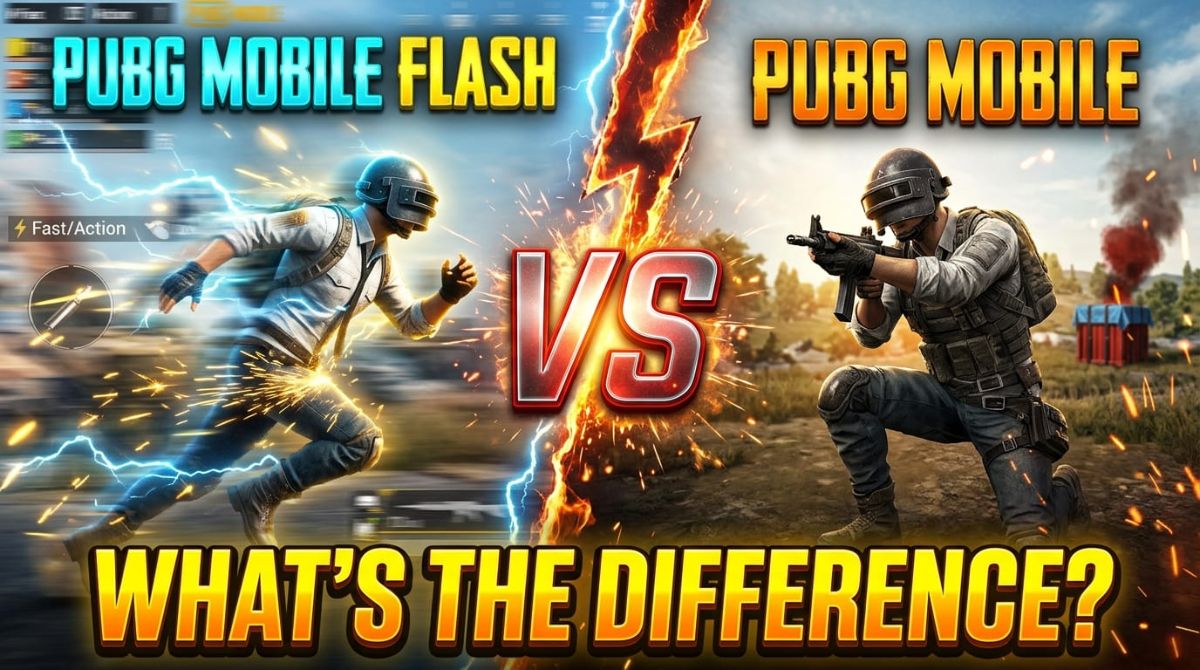
Quick Answer: PUBG Mobile FLASH (launched November 13, 2026) is the same game as standard PUBG Mobile — same accounts, matches, and updates — but it starts under 1 GB with only Erangel pre-installed, while the standard app ships the full content package with a complete lobby.
By the TechGamer App Review Team · Published November 13, 2026
Two Apps, One PUBG Mobile World
PUBG MOBILE FLASH is the official lightweight app that launched for free on iOS and Android on November 13, 2026, one day after the main game's Version 4.7 update. The official release describes it as "fully compatible with the original game": players on both apps queue into the same matches, and accounts, matches, friends, and assets stay synced across both.
So this is not a choice between two different games. It is a choice between two installation styles of the same game — a small, on-demand package versus the full, everything-ready client.
| Fact | PUBG Mobile FLASH | Standard PUBG Mobile |
|---|---|---|
| Status | Launched November 13, 2026 | Available now (Version 4.7, season runs to January 12, 2027) |
| Initial download | Under 0.96 GB Android, under 1.75 GB iOS (store listings) | Full package; larger and varies by device and version |
| Pre-installed content | Erangel and Classic Battle Royale only | Full map, mode, and event content |
| Lobby | Simplified, minimalist; full lobby is an optional download | Complete lobby experience |
| Account | Same account as standard PUBG Mobile | Your existing account |
| Cross-play and matchmaking | Shared with standard app | Main ecosystem |
Download Size and Storage: The Biggest Difference
FLASH starts tiny because almost everything beyond the first map is optional. The Google Play listing puts the Android start under 0.96 GB, and the App Store lists under 1.75 GB on iOS. Erangel and Classic Battle Royale come pre-installed, so your first match needs no secondary download.
Everything else — other maps, modes, events, high-quality graphics, and the full lobby — downloads only when you confirm it. The download confirmation system exists specifically to prevent unwanted automatic downloads. A parallel feature handles cosmetics: if you have not downloaded an outfit's resources, FLASH shows a temporary appearance until you fetch the original files.
The standard app works the opposite way: the content ships with the client, so nothing interrupts you mid-session, at the cost of a much bigger install. Bluestacks' comparison notes the trade-off plainly — players who switch between many maps and modes on FLASH may eventually download much of the same content anyway (Bluestacks FLASH vs PUBG Mobile comparison).
Gameplay, Accounts, and Cross-Play: What Stays the Same
The lighter install does not create a lighter game. Core gameplay, content updates, account assets, and matchmaking are intended to remain consistent with standard PUBG Mobile, according to Bluestacks' overview of the announcement.
- Log in with your existing PUBG Mobile account and switch between both apps freely.
- Friends, owned items, and match history stay the same.
- Cross-play is confirmed — FLASH and standard players share matches and can squad up.
- FLASH receives updates synchronized with the main game, so it moves with Version 4.7 and beyond.
- FLASH runs the same Ban Pan security system, with real-time monitoring and enforcement (per the store listing).
One account detail is not yet itemized: how UC balance, Royale Pass progress, and rank displays behave between the two apps. The account is shared, so progress is expected to follow the account, but that remains an expectation until an official statement — see our FLASH vs Lite progress guide for the full confirmed-vs-unconfirmed table.
Performance, Graphics, and Frame Rates
FLASH advertises dedicated graphics optimizations for entry-level and mid-range phones, plus optimizations for frame rate, stability, power efficiency, and memory usage, with faster startup and pre-match loading (official materials). Available frame rates are 25, 30, 40, and 60 FPS depending on device, with a 2 GB RAM minimum cited at launch (vendor-reported).
What FLASH does not claim is better graphics. It retains the core experience with lightweight visuals by default and higher-quality resources on demand. Bluestacks cautions that until players compare both versions on the same devices, any major performance advantage remains unconfirmed — performance still depends on your processor, RAM, and chosen settings.
| Aspect | FLASH behavior | Standard app behavior |
|---|---|---|
| Visuals by default | Lightweight visuals, smart outfit display | Full-quality assets installed |
| Upgrade path | Download HD resources on demand | Already installed |
| Frame rates | 25/30/40/60 FPS depending on device (vendor-reported) | Device-dependent per client settings |
| Stated target | Entry-level and mid-range phones, 2 GB RAM minimum (vendor-reported) | Broad device range, no new lightweight floor |
Which One Should You Install?
Use FLASH when storage or data is the constraint. Use the standard app when it already runs comfortably and you prefer everything ready before you tap Play.
| Player type | Best pick | Why |
|---|---|---|
| 64 GB phone almost full | FLASH | Under-1-GB start, on-demand resources leave room for everything else |
| Entry-level or mid-range device | FLASH | Dedicated optimizations for low and mid-tier hardware |
| Plays every map and mode daily | Standard app | On-FLASH you would re-download most of the content anyway |
| Main game already runs well | Keep the standard app | Same gameplay and matches — no gameplay reason to switch |
| Wants both | Either, or both | Same account, shared matches; installing FLASH does not move you out of anything |
Note on availability: FLASH is the global lightweight app, while India receives the separate BGMI Lite connected to Battlegrounds Mobile India — a different product with its own requirements and schedule (per Bluestacks' overview). Our FLASH download and launch guide covers store links and sizes in detail.
More PUBG Mobile FLASH coverage
Our FLASH cluster so far: the download and launch guide (store links, sizes, launch facts) and the FLASH vs Lite progress guide (why old Lite progress cannot transfer and what carries over from your main account).
Frequently Asked Questions
Is PUBG Mobile FLASH the same game as PUBG Mobile?
Yes. FLASH is a lighter installation of the same game, with the same account, friends, items, matches, cross-play, and synchronized updates as the standard app.
Can FLASH and standard PUBG Mobile players play together?
Yes. Cross-play is confirmed, so players from both apps join the same matches and can team up in one squad.
How much smaller is FLASH than the standard app?
FLASH starts under 0.96 GB on Android and under 1.75 GB on iOS per the store listings; the standard app ships a much larger full package, with the exact size varying by device and version.
Does FLASH have all the maps and modes?
Only Erangel and Classic Battle Royale are pre-installed. Other maps, modes, and events download on demand, with your confirmation required before each download.
Do I lose anything by playing on FLASH?
Not your account - friends and owned items stay synced. What you give up is the full lobby and instantly available HD resources; both are optional downloads inside FLASH.
Does FLASH run better than the standard app?
FLASH targets entry-level and mid-range phones with dedicated optimizations, but a major performance advantage over the standard app is unconfirmed until players compare both on the same devices.
Can I use the same account on both apps?
Yes. Log in with your existing PUBG Mobile account on both apps and switch freely; UC, Royale Pass, and rank behavior between apps is not yet officially itemized.
Disclosure
This article is independent editorial coverage based on the official launch release, store listings, and the sources listed below. It contains no affiliate links and no sponsorship.
Sources
- Games Press – PUBG MOBILE FLASH, the Official Lightweight Version of PUBG MOBILE, is Now Available
- Google Play – PUBG MOBILE FLASH store listing
- App Store – PUBG MOBILE FLASH listing
- PUBG Mobile – Version 4.7 official announcement
- Bluestacks – PUBG Mobile FLASH vs PUBG Mobile: Which Is Better?
- Bluestacks – PUBG Mobile FLASH Announced: Everything We Know
- Tbreak – PUBG MOBILE 4.7 adds a giant Ancient Beast and a lighter FLASH app
- Gamingonphone – PUBG MOBILE FLASH is now live on mobile