Best sleep tracking apps: what actually works, and what to skip
Sleep tracking apps use your phone's microphone, accelerometer or a smartwatch to estimate how long and how well you slept. Phone-only apps are cheap and good enough for spotting patterns. Wearable-based apps are more accurate for sleep stages. This guide covers six apps worth installing, who each one suits, and where to download them.
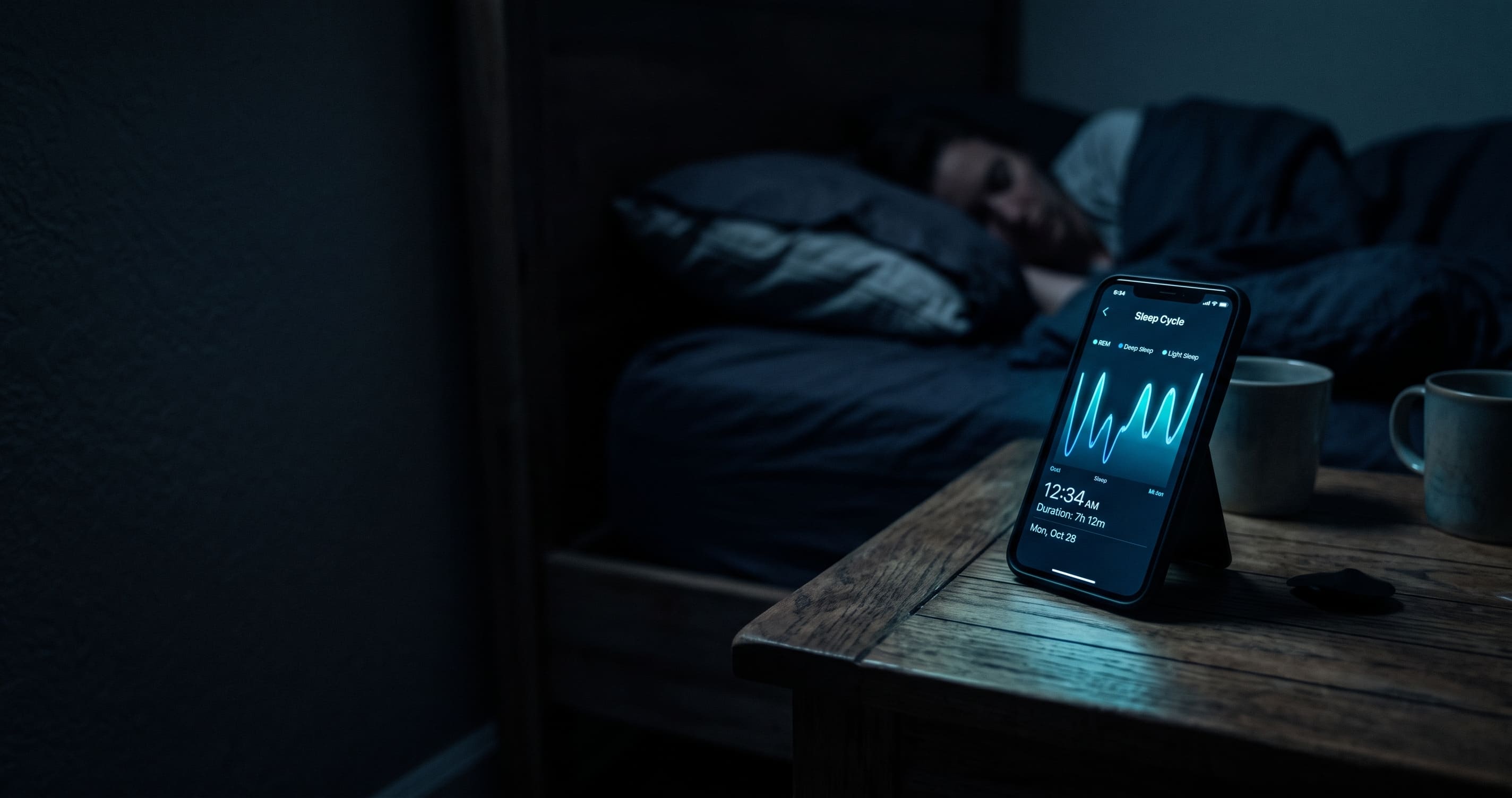
What a sleep app can and cannot tell you
Your phone does not measure brain waves. It measures movement, sound, and sometimes sonar reflections off your chest. From that it guesses at light, deep and REM sleep. The guess is decent for total sleep time and wake-ups, and rough for stage percentages.
That matters when you read your morning score. A number like "68" is not a diagnosis. It is a rounded estimate built from proxy signals. Use the weekly trend instead of obsessing over one night, and if you snore heavily, wake up gasping, or feel wrecked after eight hours in bed, see a doctor. No consumer app can diagnose sleep apnea.
Sleep Cycle: the default pick for most phones
Sleep Cycle sits on your nightstand and listens. Its main draw is the smart alarm, which waits for a light sleep moment inside a window before your set wake time instead of jolting you awake mid-cycle.
The free tier covers sleep history, a nightly quality rating and the smart alarm, which is enough for a lot of people. Premium adds sleep stage analysis, snore recording, heart rate through Apple Watch and long-term trends, priced around $49.99 a year in recent reviews.
Best for: anyone who wants tracking without buying a watch.
- iOS: https://apps.apple.com/us/app/sleep-cycle-tracker-sounds/id320606217
- Android: https://play.google.com/store/apps/details?id=com.northcube.sleepcycle
AutoSleep: buy once, forget it exists
AutoSleep runs on Apple Watch data and needs no start button. Wear the watch to bed and it works out when you fell asleep from heart rate, HRV and movement, then pushes a summary to your iPhone in the morning.
The pricing is the reason people stay. It is a one-time purchase with no subscription, which is unusual in this category. It also integrates with Apple's own Sleep Stages, so you can use both without duplicate tracking.
Best for: Apple Watch owners who hate subscriptions.
Pillow: for people who want the receipts
Pillow tracks automatically with an Apple Watch, or manually with just an iPhone or iPad. What sets it apart is audio. It records snoring, sleep talking and other night sounds, so you can actually hear what happened at 3am instead of reading a graph about it.
Premium unlocks unlimited history, heart rate analysis, nap presets and CSV export. That export matters if you want to hand your data to a doctor or run your own numbers.
Best for: detailed stage analysis and snore evidence on iOS.
Sleep as Android: the power user option
Sleep as Android is the most configurable tracker on the platform. It works with phone sensors, sonar, or a Wear OS watch, and it keeps going where other apps stop: Tasker automation, captcha alarms that force you to solve something before the noise ends, snoring detection, and export options.
The settings menu is genuinely deep, which is either the appeal or the problem depending on your patience. There is a two-week trial, so you can find out which camp you fall into before paying.
Best for: Android users who want control over every setting.
- Official site and Play Store link: https://sleep.urbandroid.org/
SleepScore: no watch, no phone under the pillow
SleepScore uses sonar. It bounces inaudible sound off your body from the nightstand and reads breathing and movement from the echo, so nothing touches you and nothing needs charging. The company points to published validation work comparing its measurements against polysomnography, the clinical standard.
You get a nightly score out of 100, trend charts, a smart alarm, and a 30-day report you can download and bring to a doctor.
Best for: people who refuse to wear or sleep next to a device.
Apple's built-in Sleep app: free and already installed
If you own an Apple Watch Series 4 or newer, you already have sleep tracking. Recent watchOS versions record time asleep, sleep stages, respiratory rate and a daily sleep score, and everything lands in the Health app next to your other metrics.
There is no smart alarm and no coaching layer. For a lot of people that is fine. Start here, and only pay for something else once you know what the free version is missing.
Best for: Apple Watch owners who want zero setup and zero cost.
How to pick one in five minutes
Own an Apple Watch? Start with the built-in Sleep app, then move to AutoSleep if you want more depth without a subscription. Own an Android phone? Sleep as Android if you like settings, Sleep Cycle if you do not. No wearable at all? Sleep Cycle or SleepScore.
Then give it two weeks before you judge anything. One night of data is noise. Two weeks shows you whether your bedtime drifts on weekends, whether that late coffee costs you, and whether your problem is duration or fragmentation. That is the part that changes behaviour, and it is the part most people skip.
Note on accuracy: app prices and features change often. Verify current pricing on the store page before publishing.
Tags